How to Reduce Ping in MT4/MT5 (8 Proven Methods, 2026)
Written by MarginVPS Infrastructure Team
Last updated: July 2026
Low ping matters more than most traders realize. If you’re scalping, running Expert Advisors (EAs), or trading through high-volatility news events, even a 20-30ms delay between your click and your broker’s server can mean the difference between your intended price and real slippage.
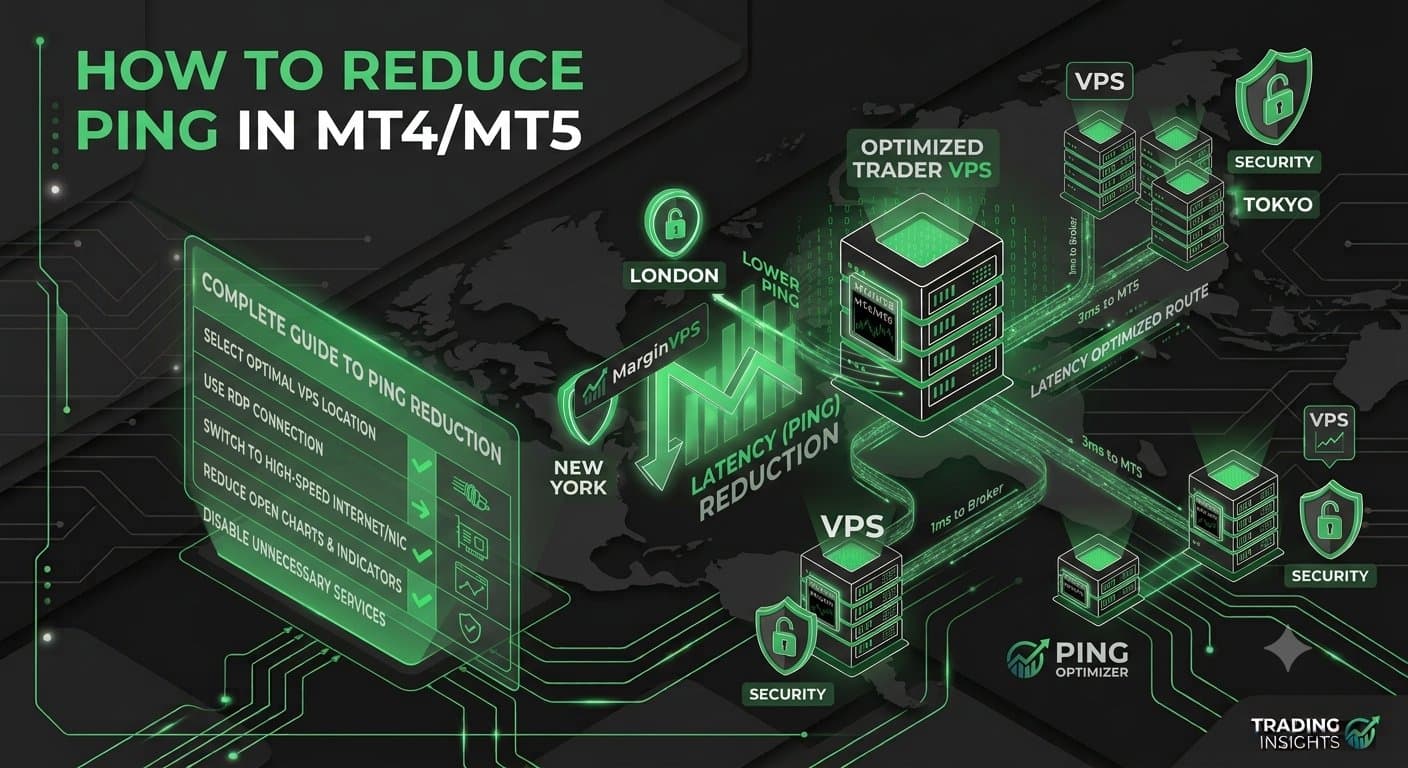
This guide walks through 8 proven methods to lower your ping in MT4 and MT5, starting with the one that matters most.
What Counts as “Good” Ping for Forex Trading?
As a rough benchmark:
- Under 5ms — excellent, typically only achievable with a co-located VPS sitting in the same data center as your broker
- 5–20ms — good, fine for most manual and swing-trading strategies
- 20–60ms — acceptable for casual trading, noticeable for scalping/EAs
- 60ms+ — a real handicap for latency-sensitive strategies
Method 1: Use a VPS Co-Located Near Your Broker
This is the single most effective fix, because it addresses the root cause: physical distance. Every kilometer of fiber between you and your broker’s server adds real, physics-limited delay.
If your broker runs through Equinix LD4 (common for UK/EU brokers), a VPS located at LD4 can bring your ping down to <1ms. US-based brokers typically route through NY4 — see our New York VPS page for specifics on which brokers and instruments benefit most.
Method 2: Connect to the Correct Broker Server
Most brokers run multiple regional servers (e.g., “Broker-Live-UK,” “Broker-Live-US”). Picking the wrong one — even with a fast VPS — can silently add 30-80ms. In MT4/MT5, check Tools → Options → Server and manually test a few available servers using the built-in ping display in the Market Watch window.
For a full platform configuration walkthrough beyond server selection, see our MT4/MT5 optimization guide.
Method 3: Test and Confirm Your Route with Tracert
Before assuming your setup is the problem, verify it. On Windows, open Command Prompt and run:
tracert your-broker-server-address.comThis shows every network hop between you and your broker, and where delay is accumulating. If you see a large jump at one specific hop, that’s often your ISP’s routing — not something you can fix locally, which is another argument for VPS co-location that bypasses your home ISP path entirely.
Method 4: Avoid Oversold Shared Hosting
Not all “VPS” providers are equal. Budget shared-hosting VPS plans oversell CPU and network resources, meaning your actual throughput fluctuates depending on what neighboring accounts are doing. This shows up as inconsistent ping spikes rather than a stable baseline. Look for providers who publish dedicated resource allocations, not just “up to” specs.
Method 5: Use SSD-Backed Storage
Disk I/O speed affects more than file access — it affects how quickly your platform processes incoming tick data and writes logs, especially with multiple charts or EAs running. SSD (or NVMe) storage removes this as a bottleneck; older HDD-based VPS plans can introduce processing delay that looks like network latency but isn’t.
Method 6: Keep MT4/MT5 Running Continuously
Every time your platform reconnects — after a restart, a dropped session, or a VPS reboot — there’s a reconnection handshake that adds delay to your first several trades until the session stabilizes. Keeping your terminal running 24/7 on a VPS (rather than closing it between sessions) avoids this entirely.
Method 7: Disable Unnecessary Background Processes
On a VPS, avoid running non-trading software (browsers, unrelated downloads, unnecessary background apps) alongside MT4/MT5. These compete for CPU and network priority, and on lower-tier VPS plans this can measurably affect execution consistency during high-volume periods like news events.
Method 8: Match VPS Region to Your Trading Session, Not Just Your Broker
If you trade multiple instruments across different sessions (e.g., Asian session pairs and NY session indices), a single VPS location is a compromise. Some traders run region-specific VPS instances matched to their most latency-sensitive session. Our guide to choosing VPS location covers how to think through this trade-off.
Quick Comparison: What Actually Moves the Needle
| Method | Typical Impact | Effort |
|---|---|---|
| VPS co-location near broker | Largest (50-150ms+ saved) | Low — one-time setup |
| Correct broker server selection | Medium (10-80ms) | Low |
| SSD/NVMe storage | Small-medium | None (choose at signup) |
| Continuous uptime (no restarts) | Small but consistent | Low |
| Avoiding oversold shared hosting | Prevents spikes, not baseline | Low (choose at signup) |
The Fastest Path to <1ms Ping
If you’re serious about latency — running EAs, scalping, or trading news events — the fastest path is a VPS physically co-located with your broker’s server, on dedicated (not oversold) resources, kept running continuously. Everything else on this list matters, but it’s fine-tuning around that core decision.
Not sure whether a specialized forex VPS is worth it over a generic cloud VPS? See our Forex VPS vs. Normal VPS comparison for the technical breakdown.
Frequently Asked Questions
What’s a good ping for forex trading? Under 5ms is excellent and typically only achievable with a co-located VPS. 5-20ms is good for most strategies. Above 60ms becomes a real handicap for scalping or EA-based execution.
Does a VPS guarantee 0ms ping? No — even co-located setups typically show 0.3-1ms due to physical hardware and network switching. “<1ms” is the realistic ceiling, not zero.
Can I reduce ping without a VPS? Partially — a wired connection, better DNS settings, and disabling VPNs can shave off some milliseconds. But home connections plateau well above what VPS co-location achieves, since physical distance to the broker’s server is the dominant factor.
This guide is maintained by the MarginVPS infrastructure team, operating low-latency trading servers across London (LD4), New York (NY4), Frankfurt, Tokyo, and Singapore data centers.
Ready to stop losing milliseconds to your home connection?
MarginVPS runs your MT4, MT5, or cTrader terminal on a low-latency VPS inside your broker's data center — from $16.67/mo, with an extra 20% off using code EXTRA20OFF.
View VPS Plans →